Features
Everything Planetanium can do
From the first narration upload to the final export — every tool in the instrument, in the order you'll reach for them.
01
Create from any narration
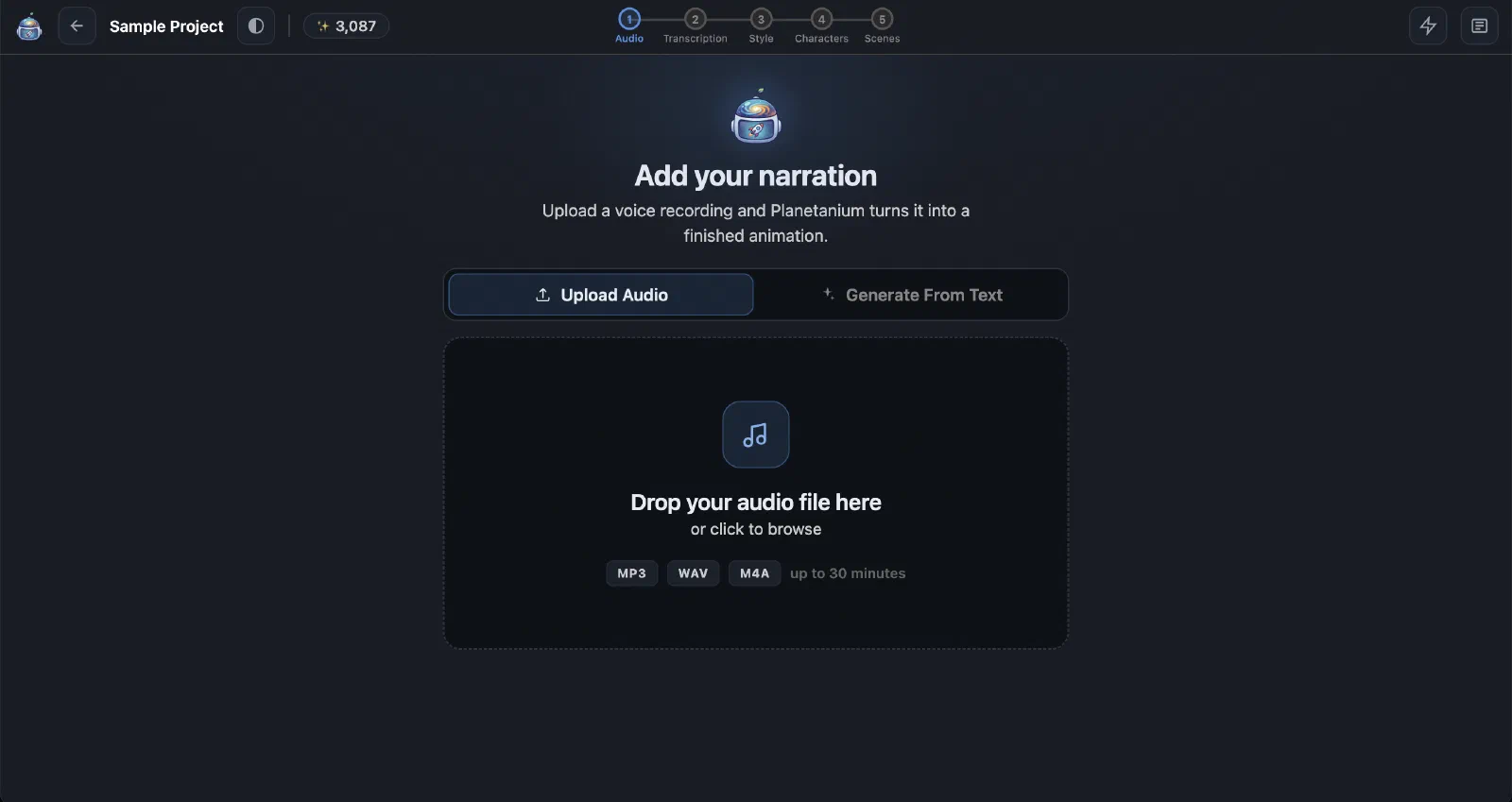
- Upload MP3, WAV, M4A, or OGG narration.
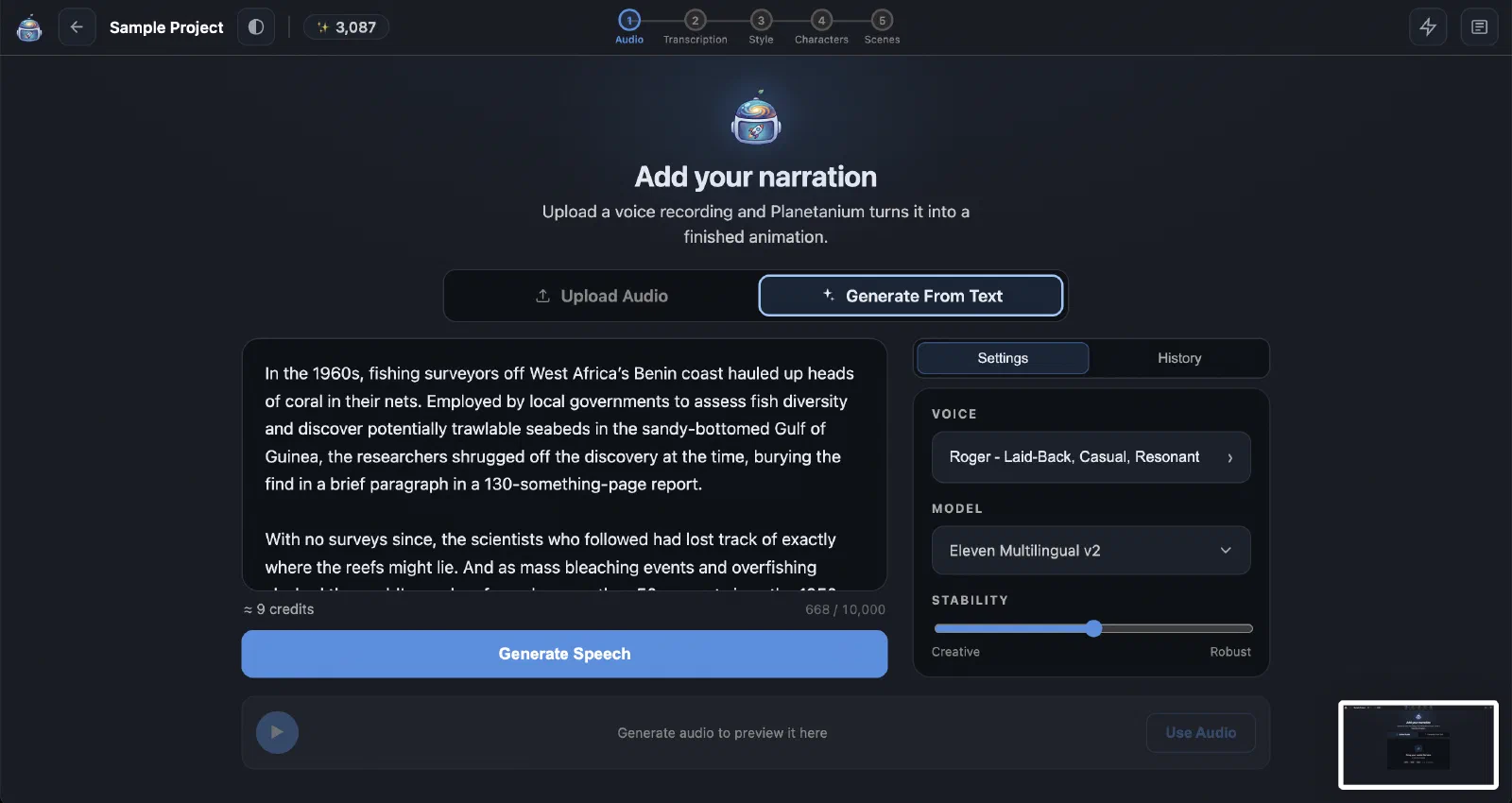
- Generate narration from text with selectable AI voices.
- Preview different voice takes and adjust speed and stability.
- Use generated speech directly as project audio.
02
Automatic, editable transcription
- Automatically transcribe uploaded narration.
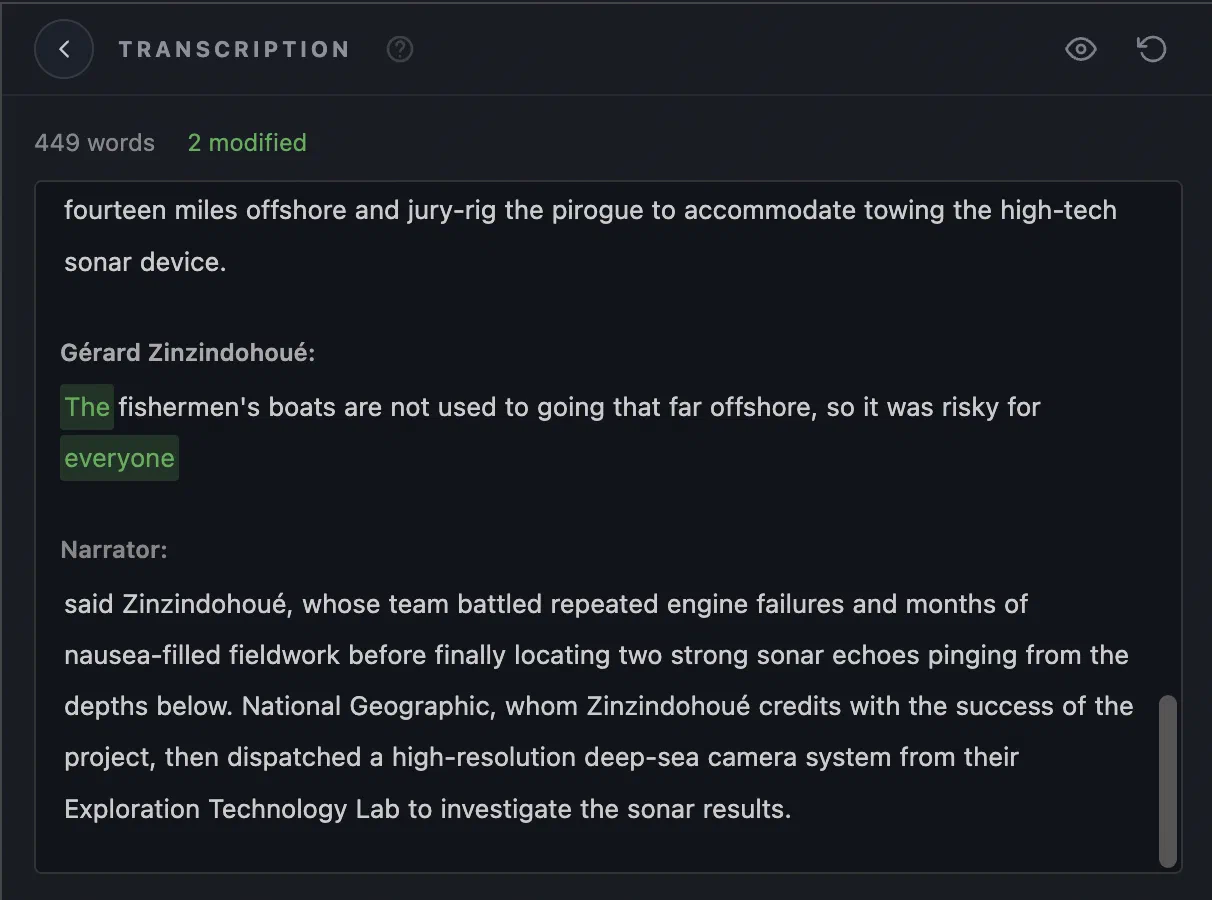
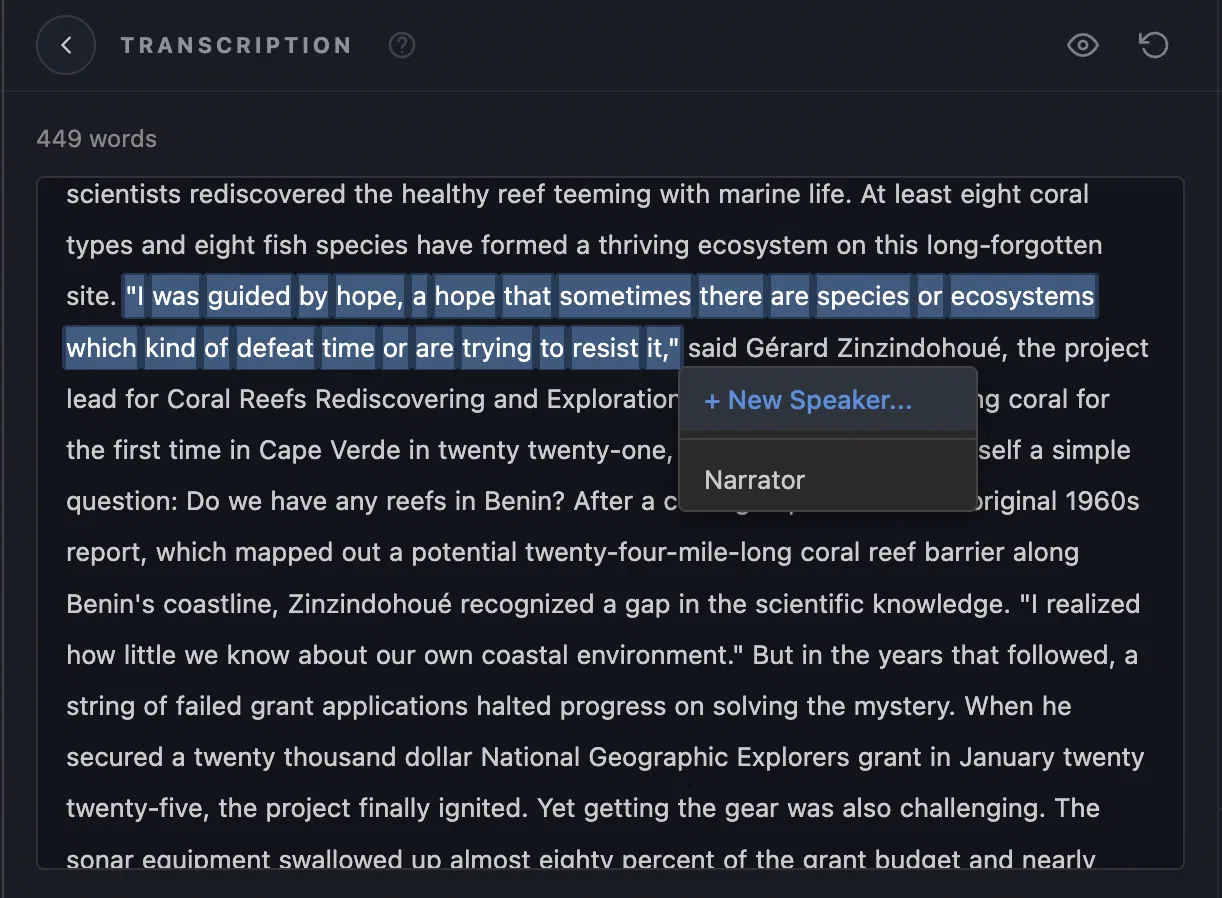
- Detect and distinguish multiple speakers.
- Correct individual words with a word-level editor.
- Rename speakers and reassign dialogue.
- Click words to seek the audio and follow highlighted words during playback.
- Undo, redo, preview, or reset transcription edits.
03
A project-aware AI creative assistant
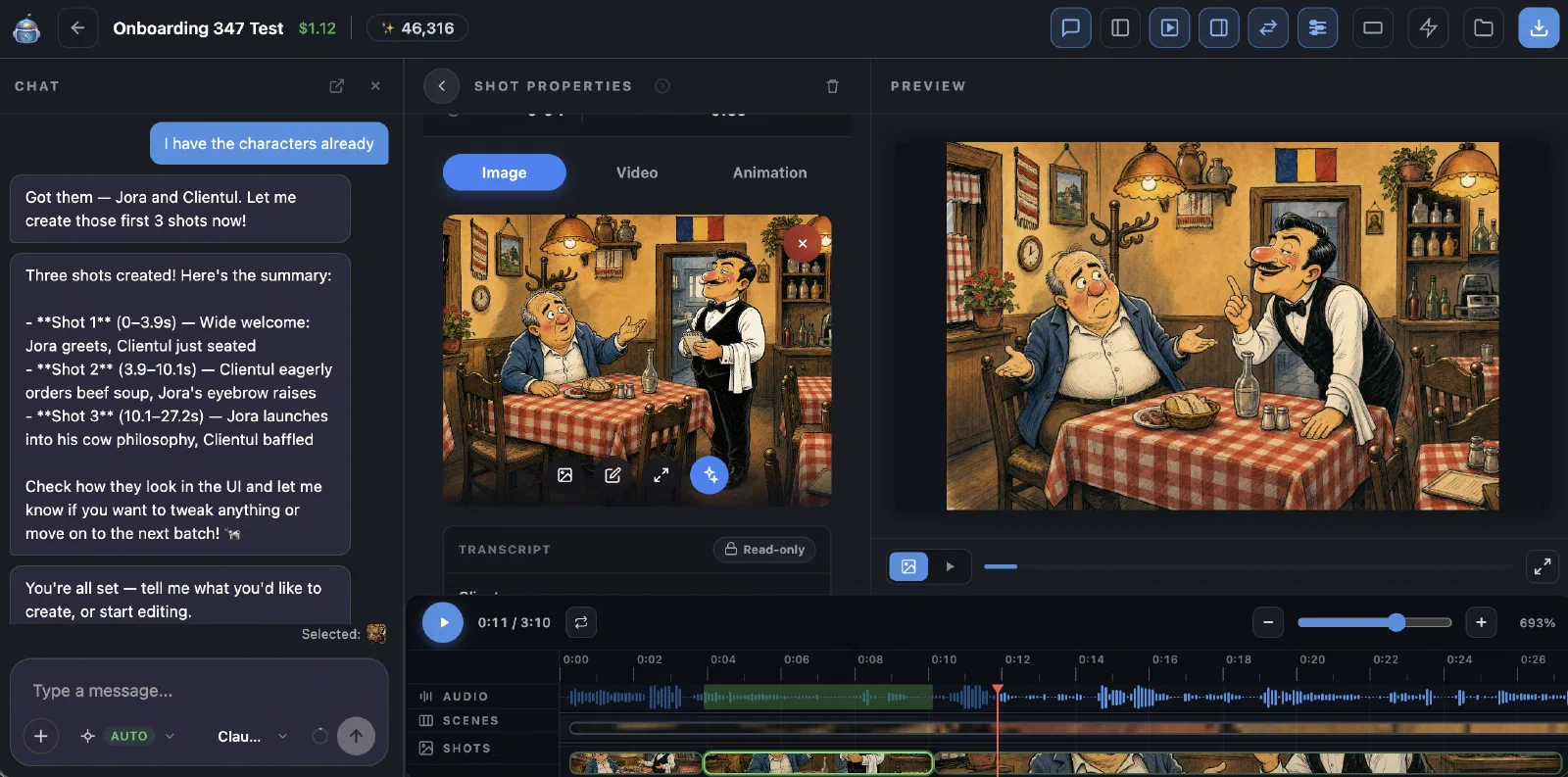
- Chat with an assistant that understands the complete story and storyboard.
- Ask it to identify and create characters, locations, scenes, and shots.
- Let it work with the selected item, timeline range, or current playhead position.
- Ask it to refine prompts, update story elements, or generate images.
- Keep multiple saved chats per project and resume them later.
04
Consistent characters and locations
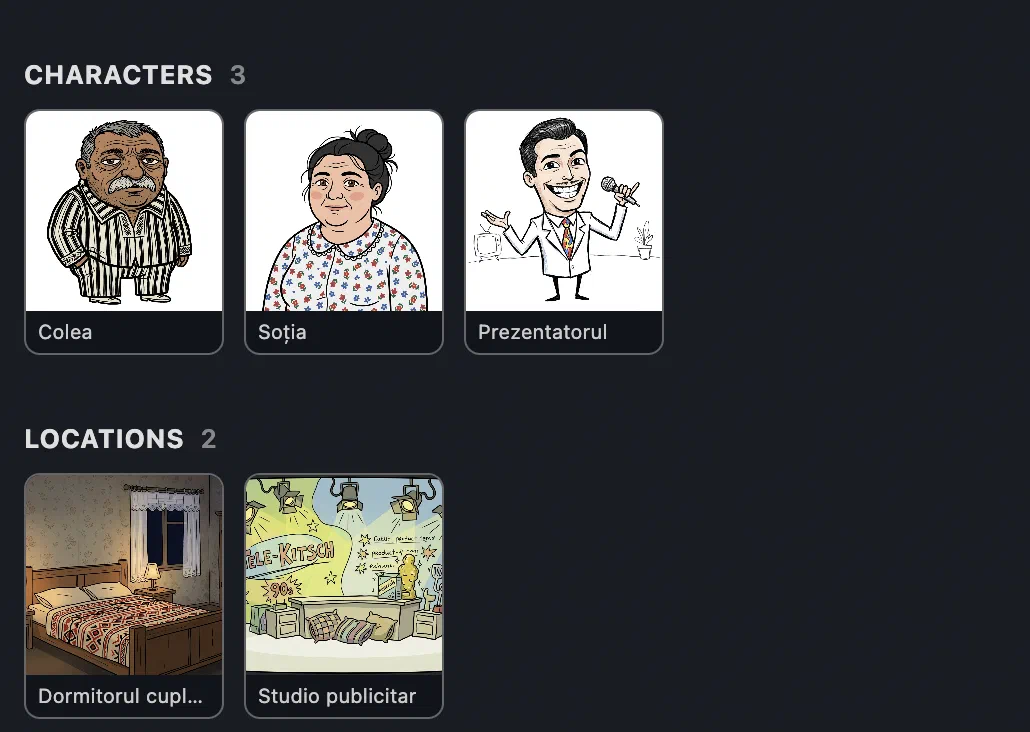
- Create reusable character sheets with names, appearance descriptions, and portraits.
- Define recurring locations with descriptions and reference images.
- Feed character, location, scene, and style references into shot generation.
- Upload custom artwork or generate reference images with AI.
- Batch-generate missing character and location images.
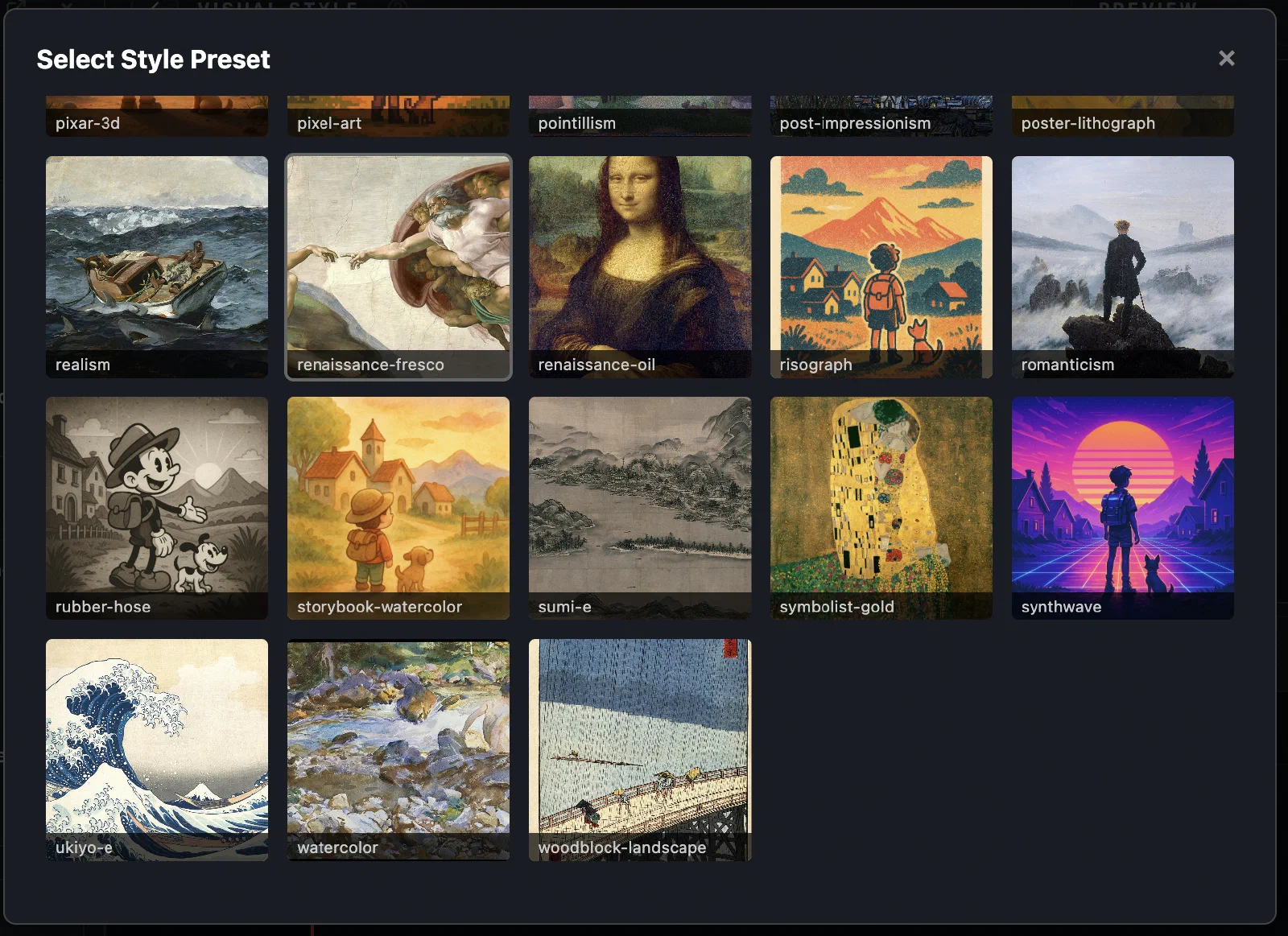
- Set a project-wide visual style with a reference image and written instructions.
- Choose from a library of styles such as anime, watercolor, pixel art, manga, cinematic, fantasy, claymation, and technical drawing.
- Select square, landscape, or portrait output.
- Choose the default image-generation model.
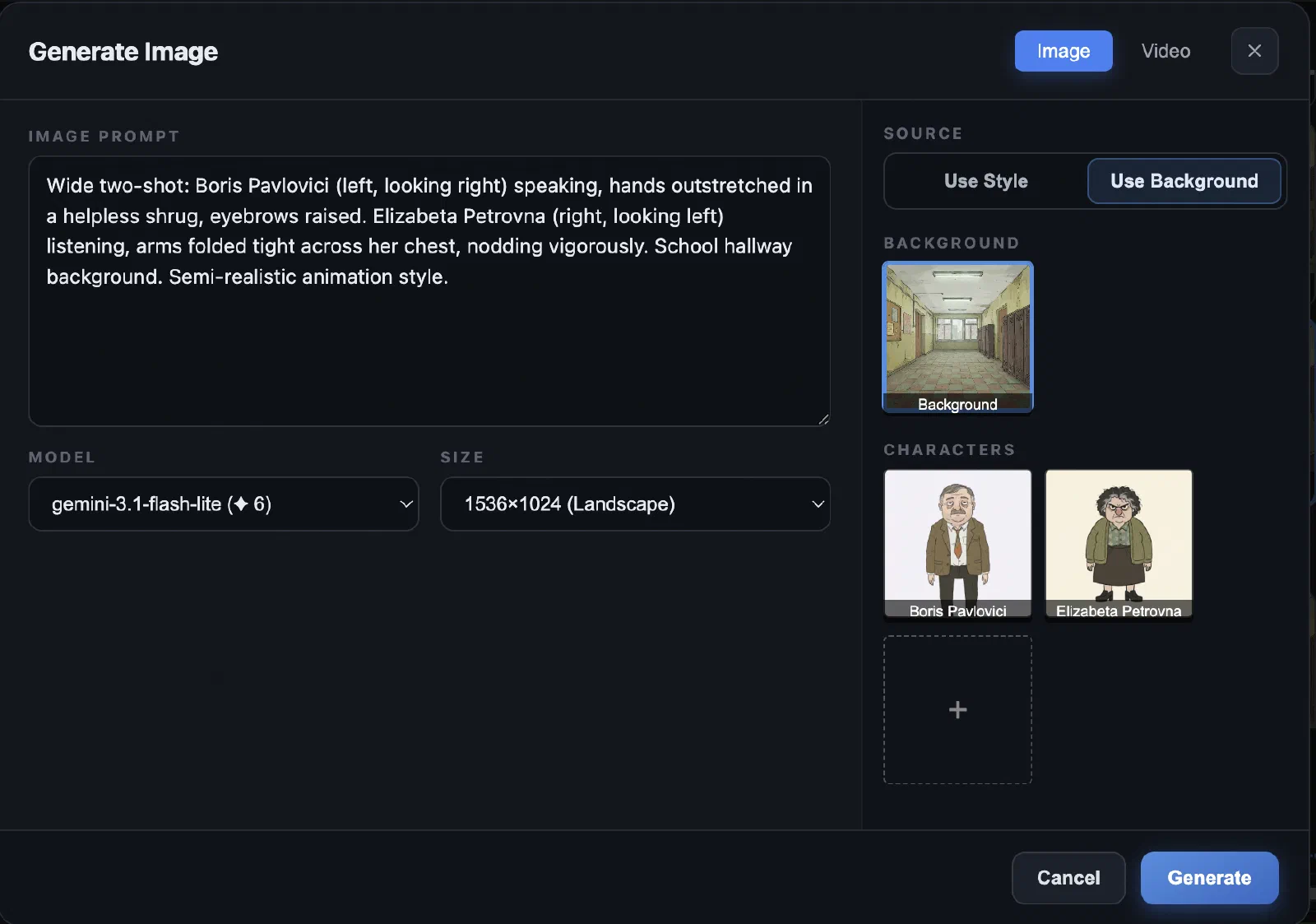
- Override prompts, models, size, style, characters, and background references for individual generations.
06
AI image generation and editing
- Generate images for characters, locations, and storyboard shots.
- Automatically generate images as new shots are created.
- Batch-generate images across multiple scenes.
- Edit existing images using natural-language instructions.
- Derive a new image from another shot for better continuity.
- Add named reference images to guide composition and identity.
- Generate standalone images outside the storyboard and save them to the project.
07
Audio-synchronized storyboard
- Organize narration into timed scenes and shots.
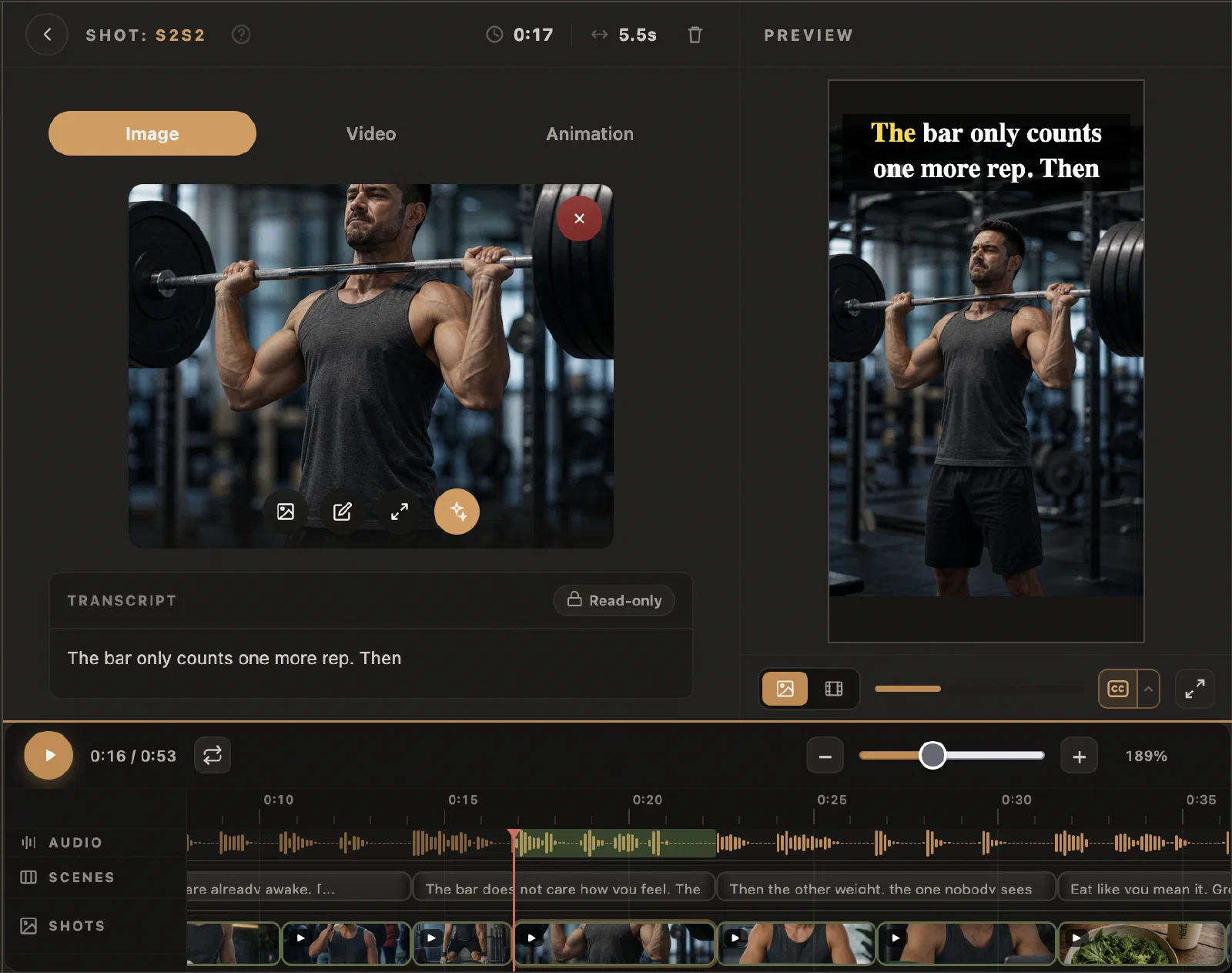
- View audio, scenes, and shots together on a waveform timeline.
- Create scenes directly from an audio selection.
- Segment narration by sentences or speaker turns.
- Move, resize, split, merge, copy, paste, and delete timeline items.
- Remove timeline gaps automatically.
- Use multi-selection, undo/redo, timeline zoom, scrubbing, and selection looping.
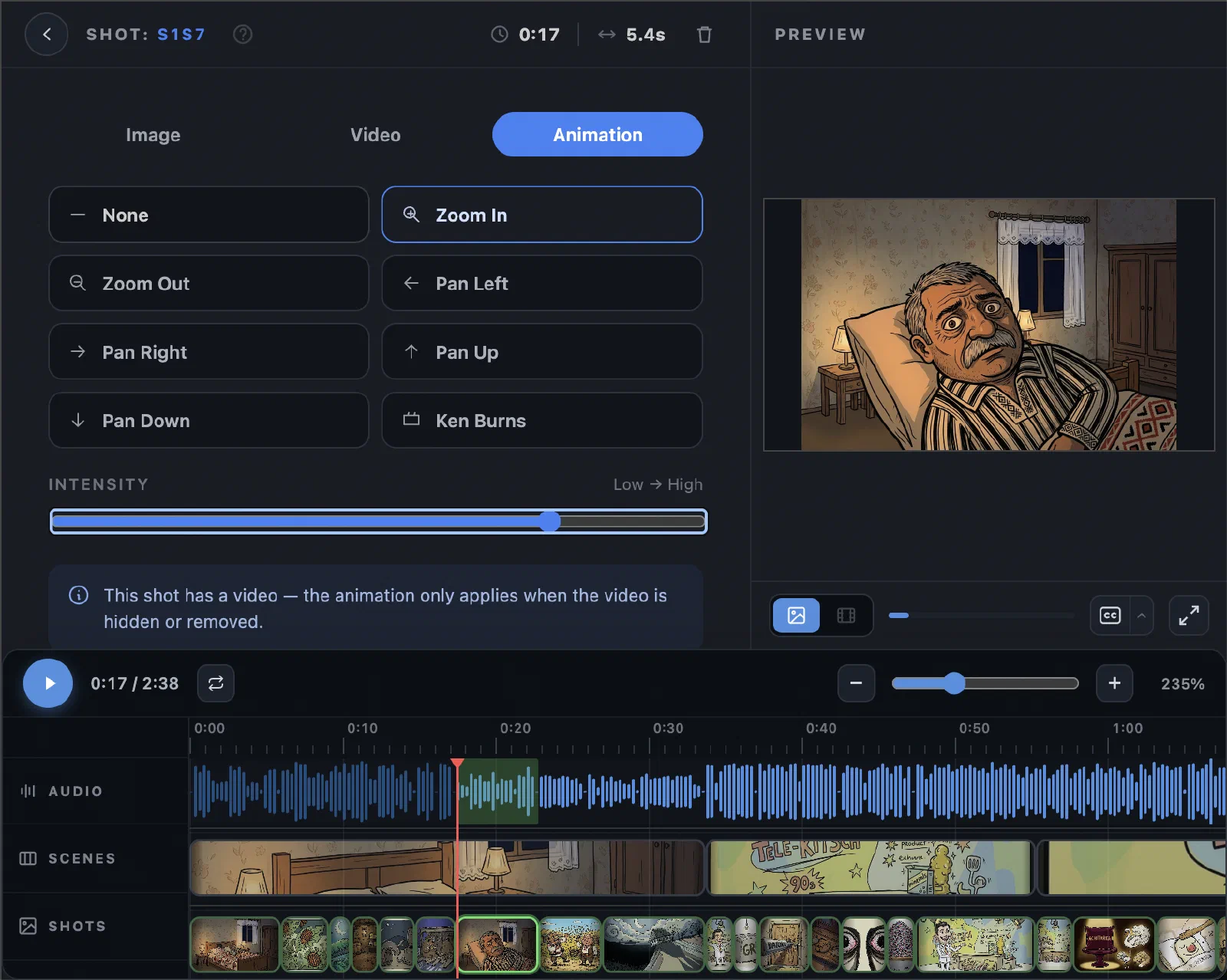
- Add pan, zoom, and Ken Burns effects to still images.
- Control animation intensity per shot.
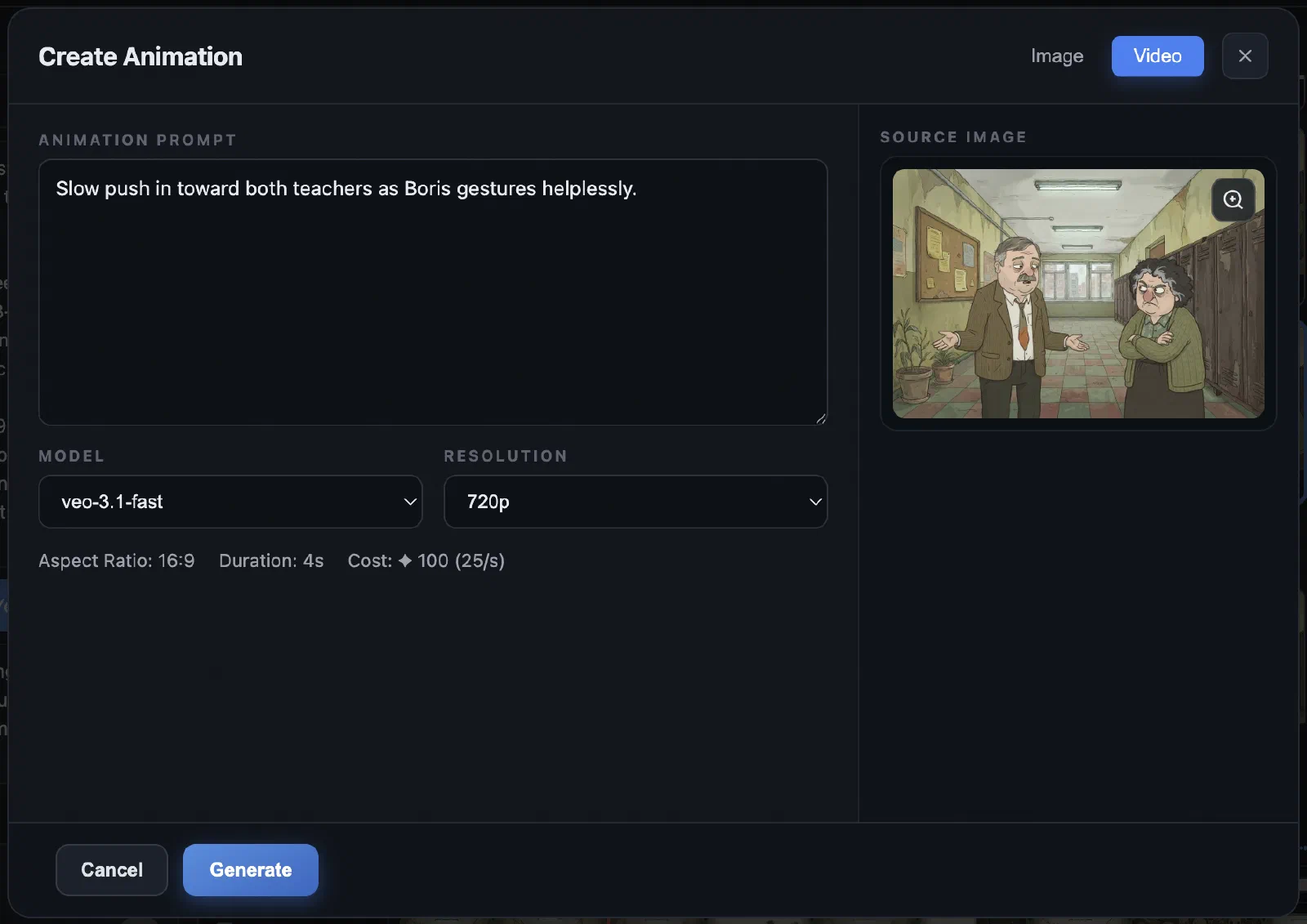
- Turn shot images into AI-generated video clips.
- Preview image-based and video-based versions in sync with narration.
- Select previous video variations.
- Trim generated clips and adjust playback speed to match the shot.
- Freeze or loop short clips during export.
- Generate captions from the timed transcription.
- Preview captions synchronized with narration.
- Customize font, size, color, highlight color, and screen position.
- Render progressively highlighted words.
- Burn captions into exported movies or include them with editing-timeline exports.
10
Flexible professional export
- Export an image-based movie or a video-clip-based movie.
- Choose MP4/H.264 or WebM/VP9.
- Export at 480p, 720p, or 1080p.
- Choose 24, 30, or 60 fps.
- Export square, widescreen, or vertical video.
- Export an FCPXML timeline for DaVinci Resolve or Final Cut Pro.
- Include narration, scene markers, images/videos, retiming, and an SRT caption fallback.
- Download the complete project and its assets as a ZIP archive.
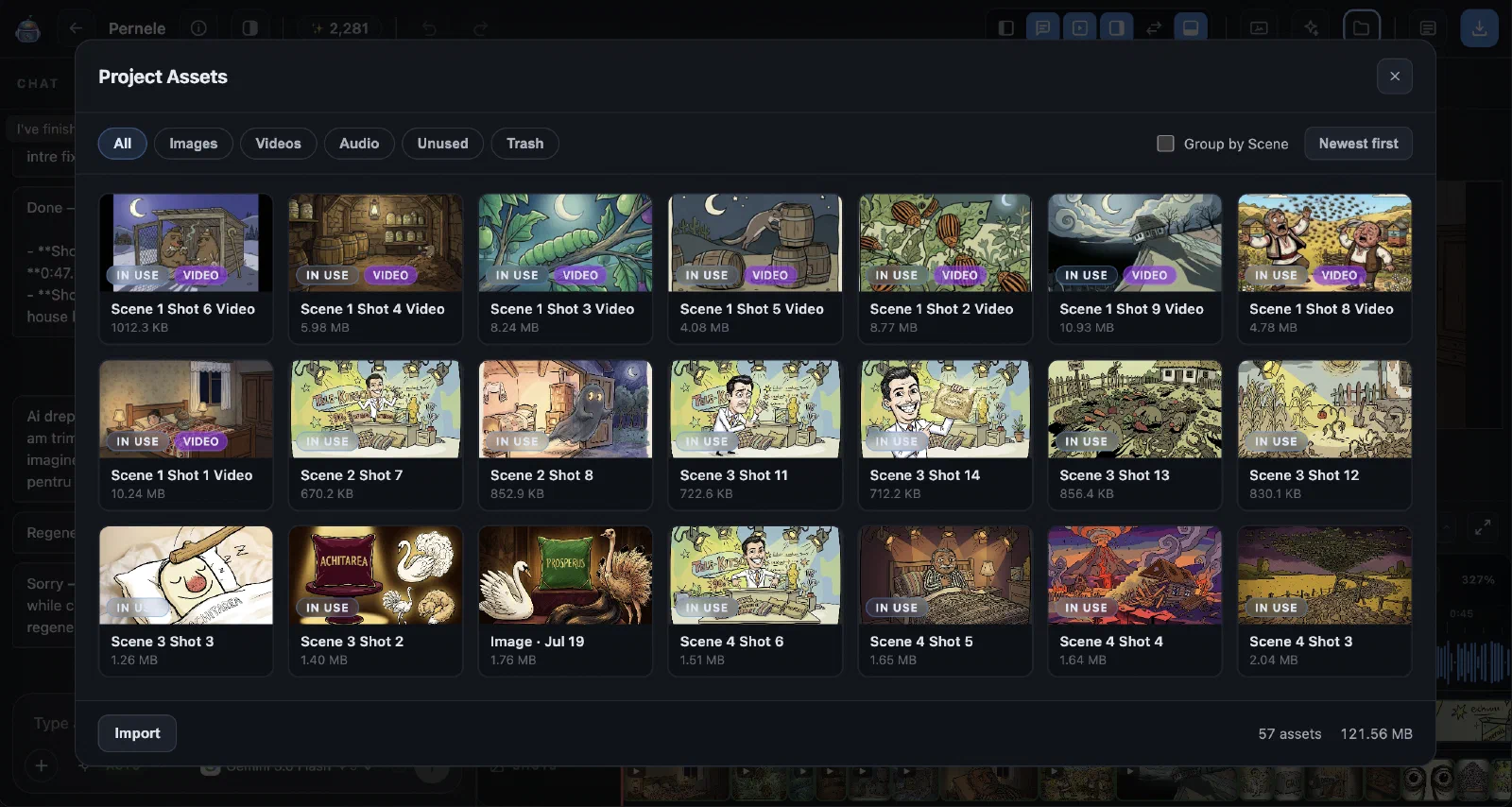
- Browse all project images, videos, and audio.
- Group assets by scene, character, or type.
- Search, sort, preview, reuse, import, and download media.
- Find unused assets.
- Move assets to trash and restore them later.
12
Reliable project workflow
- Automatically save project changes.
- Duplicate, rename, search, sort, archive, restore, and permanently delete projects.
- Export and re-import complete Planetanium projects.
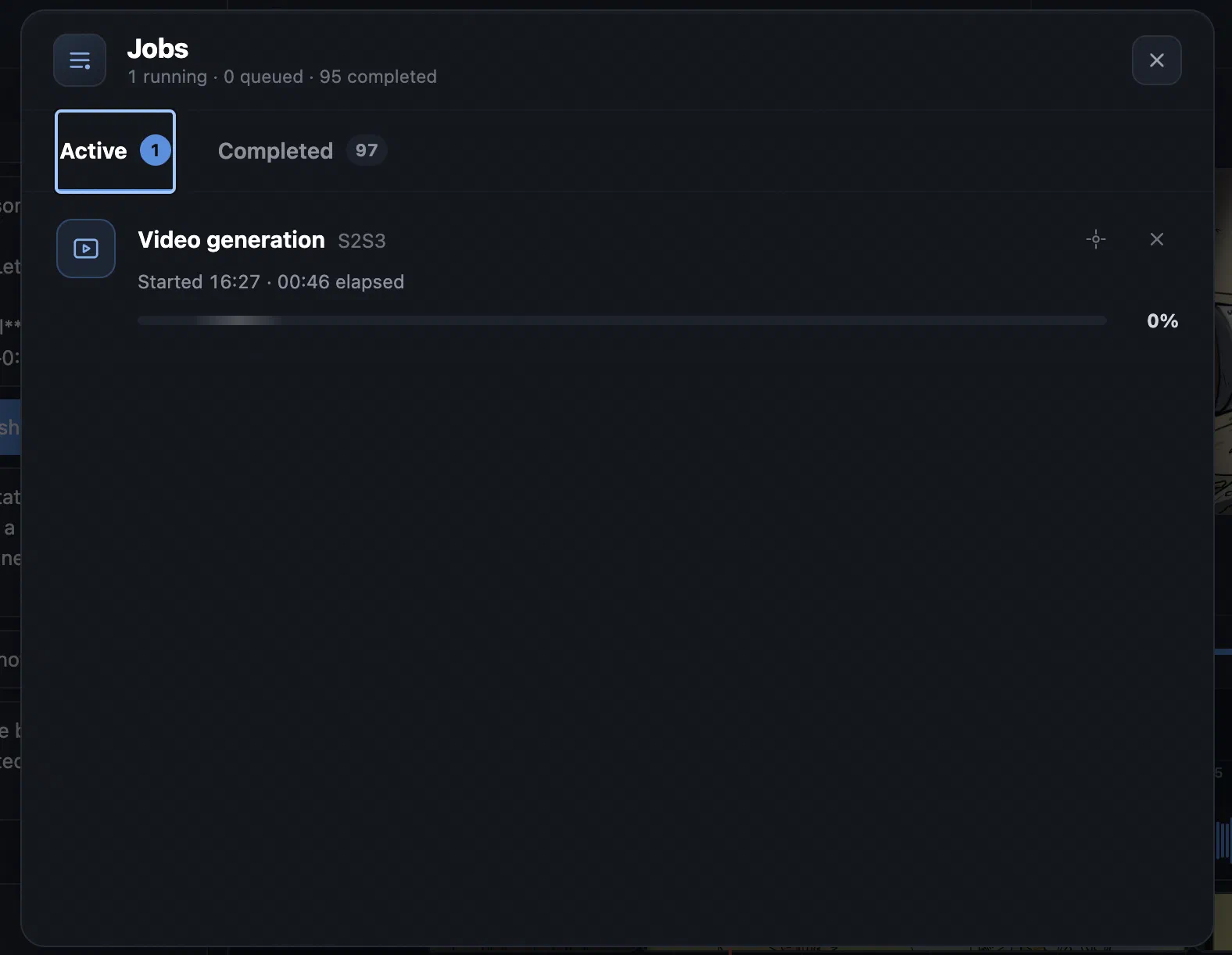
- Track generation, transcription, import, and export jobs in the background.
- Cancel queued or active work and download completed results.
- View generation costs and credit history when billing is enabled.
- Multilingual interface.
- Dark, graphite, light, and system-matched themes.